One VPN at a time. Switch between them from the menu bar, and know the hosts you need are reachable.
Or install it with Homebrew. For macOS 14 or later. Peony isn’t notarized yet, so the first time, open System Settings › Privacy & Security and click Open Anyway.

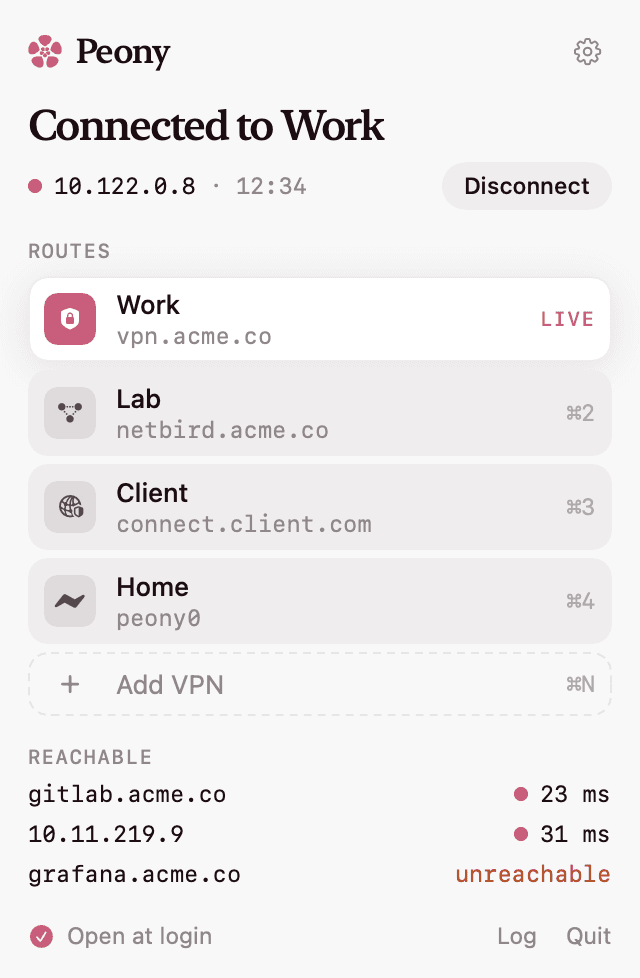
Connected to Work
Routes
Reachable
- gitlab.acme.co23 ms
- 10.11.219.931 ms
- grafana.acme.counreachable
This one works. Pick a route to switch.
Works with
- FortiGate
- AnyConnect
- GlobalProtect
- Pulse
- F5
- WireGuard
- NetBird
The panel
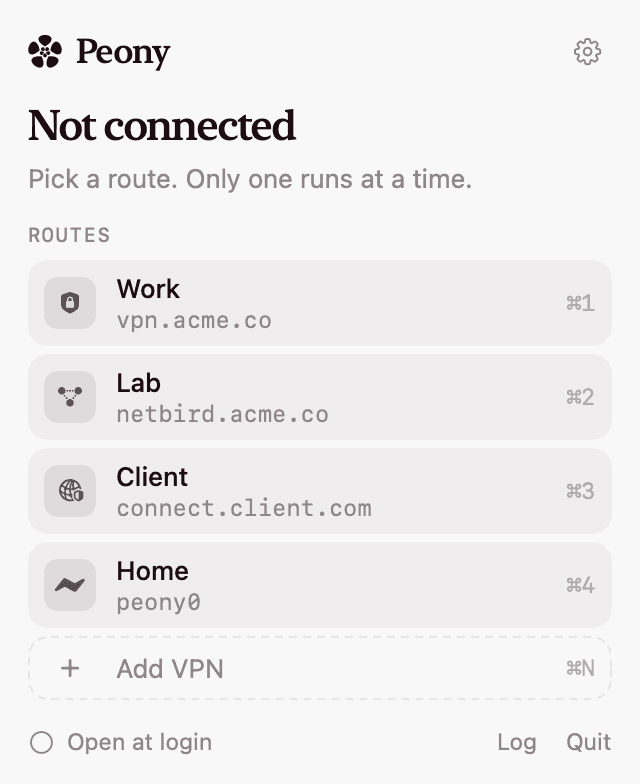
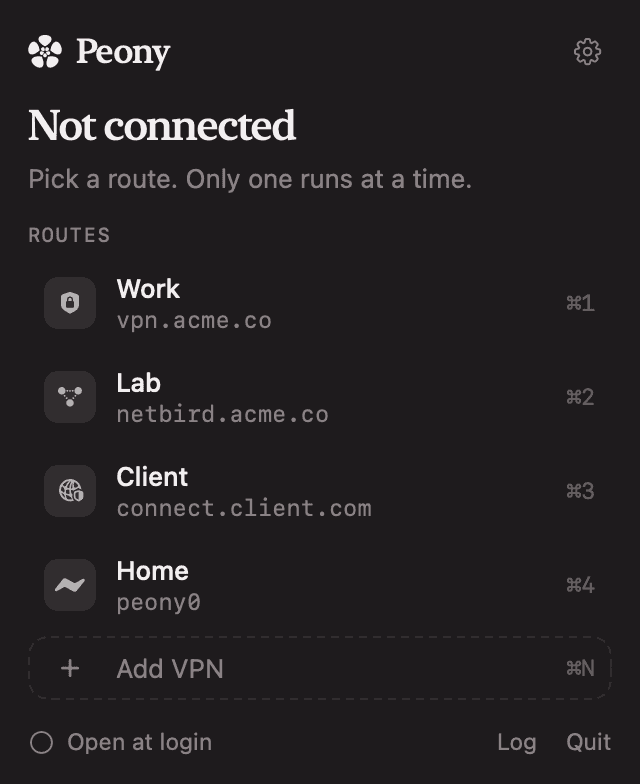
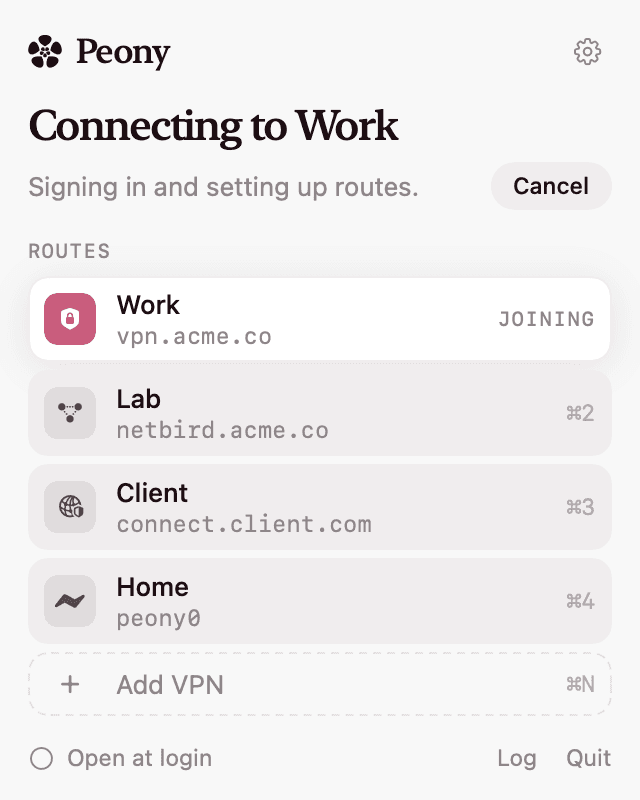
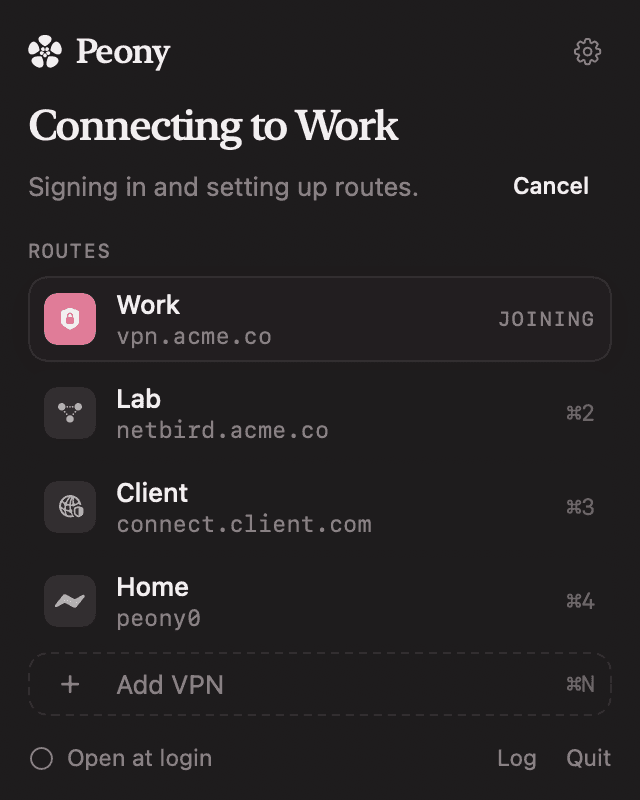
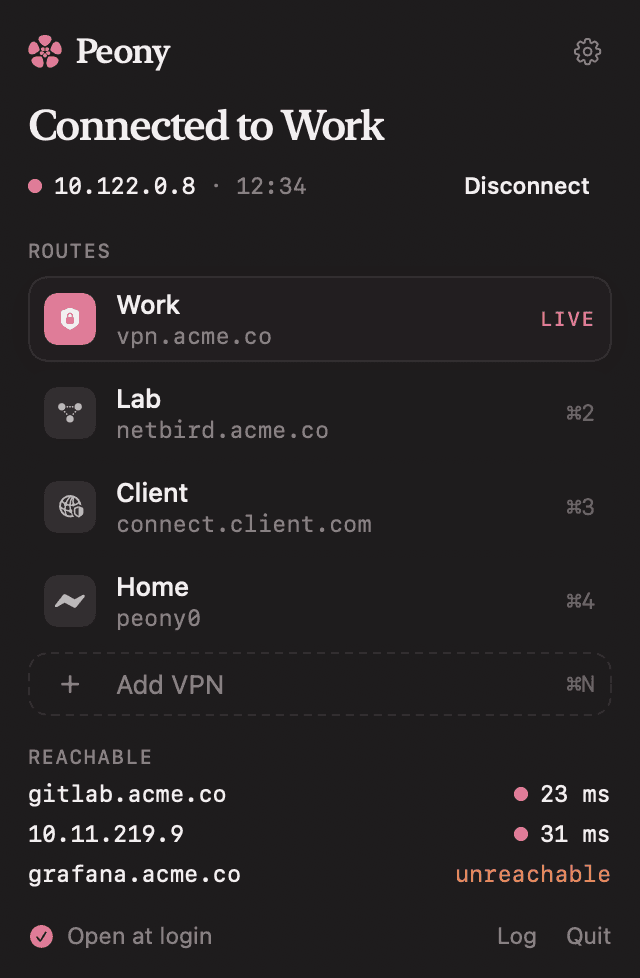
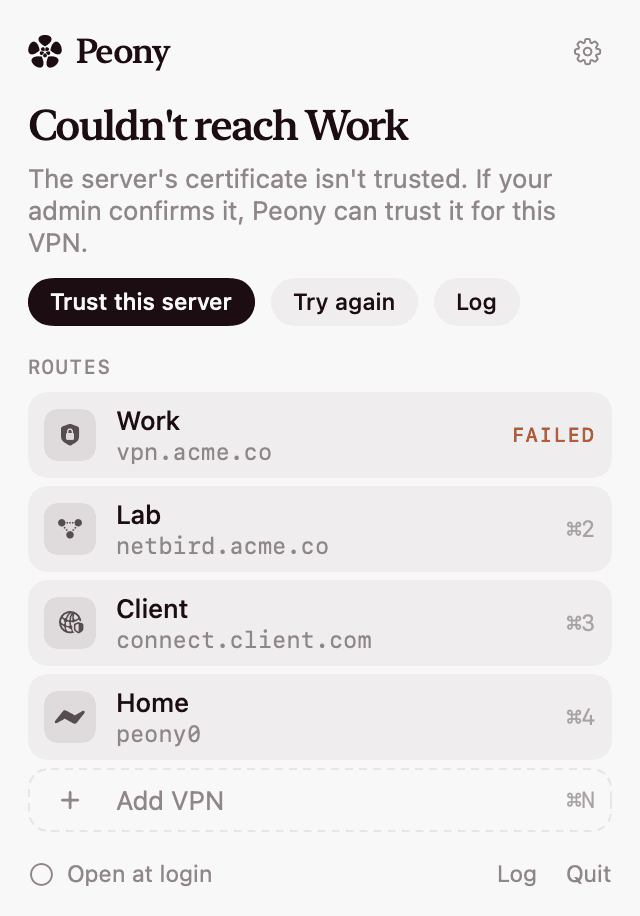
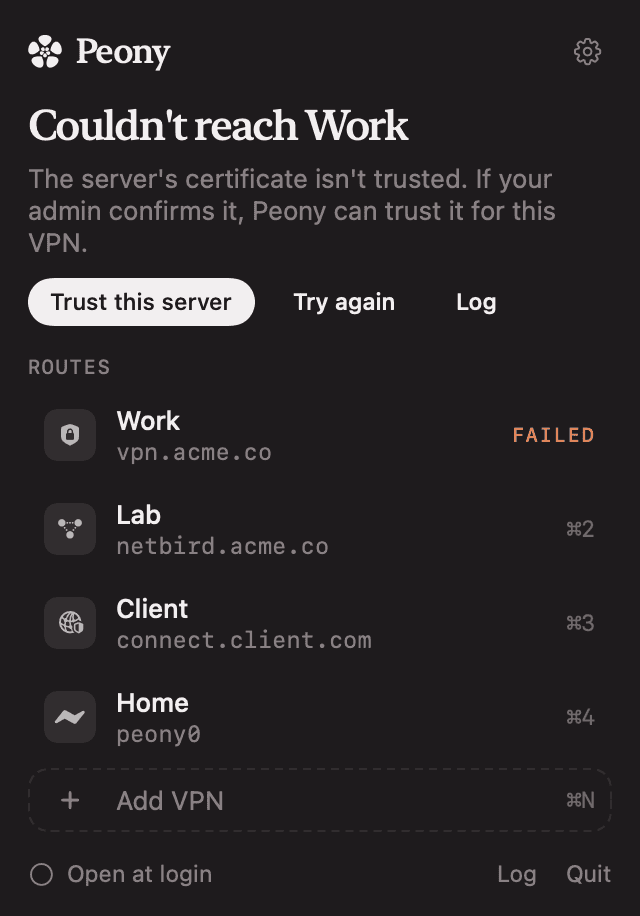
Connected should mean reachable. Peony keeps one tunnel on so routes and DNS never fight, then checks the hosts you care about. Here is every state it can be in.
What runs as root
A small helper, kept on a short lead. Setting routes and DNS needs root. Peony installs one helper and a sudoers rule for it, and the helper trusts nothing it is sent.
01
One request, on stdin
The helper takes one JSON request on stdin. Secrets never appear in arguments, where other processes could read them.
02
Every field is validated
Line breaks, option-like values and WireGuard’s PostUp and PreDown hooks are rejected before they reach a config file or a command line.
03
Homebrew clients only
It only executes clients from Homebrew’s bin directories, never a path it was handed.
04
Configs don’t linger
Generated configs go to a root-only directory. FortiGate’s is deleted as soon as openfortivpn has read it.
Passwords and WireGuard configs live in your Keychain. Remove everything with brew uninstall --zap peony.
Install
Three steps to the first tunnel. Peony drives the open-source clients, so install the ones your VPNs need. Settings shows which are missing.
Open the panel. Click the flower in the menu bar, then Add VPN.
Describe the route. Pick the kind, fill in what your admin gave you, and list a few hosts to check.
Connect. Click it, or press ⌘1 to ⌘9. The first connection asks for an admin password once, to install the helper.



VPN | Client |
|---|---|
| FortiGate SSL-VPN | brew install openfortivpn |
| AnyConnect, GlobalProtect, Pulse, F5, Array | brew install openconnect |
| WireGuard | brew install wireguard-tools |
| NetBird | NetBird’s installer |